V3 is available
Log quickly. Add depth later.
The best way to use CarpAtlas is simple: capture only what changes during the session, then add detail when you have time.
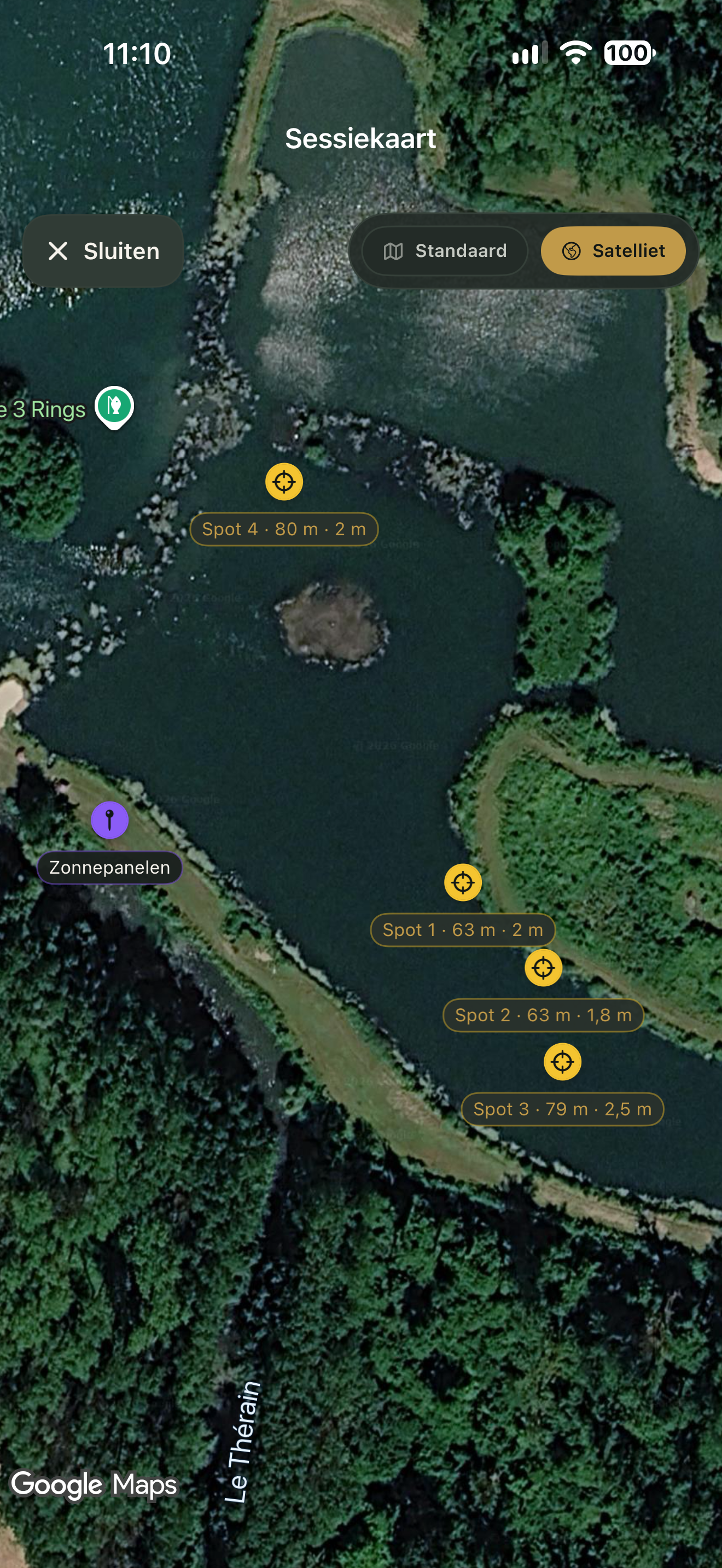
Create your water
Use GPS, choose a location on the map or enter it manually. Add spots, photos and notes whenever it suits you.
Start a session
Choose the water, date and time. Copy a previous setup or enter rods, spots and bait again.
Log what happens
Log a catch or missed run as it happens. In V3, Top up feed comes before Change swim in the live session. Feeding is linked to a bait drop in the active rod setup.
Complete the log
Enrich the session with photos, conditions, weights, lengths and personal observations.
Review the analysis
Filter by water and period. Use recurring patterns as the starting point for your next plan.
Your catches in pictures
Browse catch and water photos in your photo album. Filter catch photos by year and month, or open the album for one water.
Keep track while fishing
In V3, a continuous session stays active past midnight until you end it. The optional Live Activity shows session status on your Lock Screen and in Dynamic Island.
Share with a fishing buddy
In V3, turn on Share with fishing buddies in Settings and choose New share. Select the sessions, catches, swims and photos to include; exact locations stay off until you select them. Send the invitation with Messages or WhatsApp. Your friend sees the water read-only under Shared with me. Saved changes appear automatically within your sharing choices.
iCloud sync requires the same Apple Account, iCloud enabled and enough storage. Check the sync status before switching devices.
How sharing works →